Which little friend is coming home with you?
Make a little room for someone fluffy. Four different Nono personalities, with a plush to keep close and care, chat and photos to enjoy in SomniNono App.
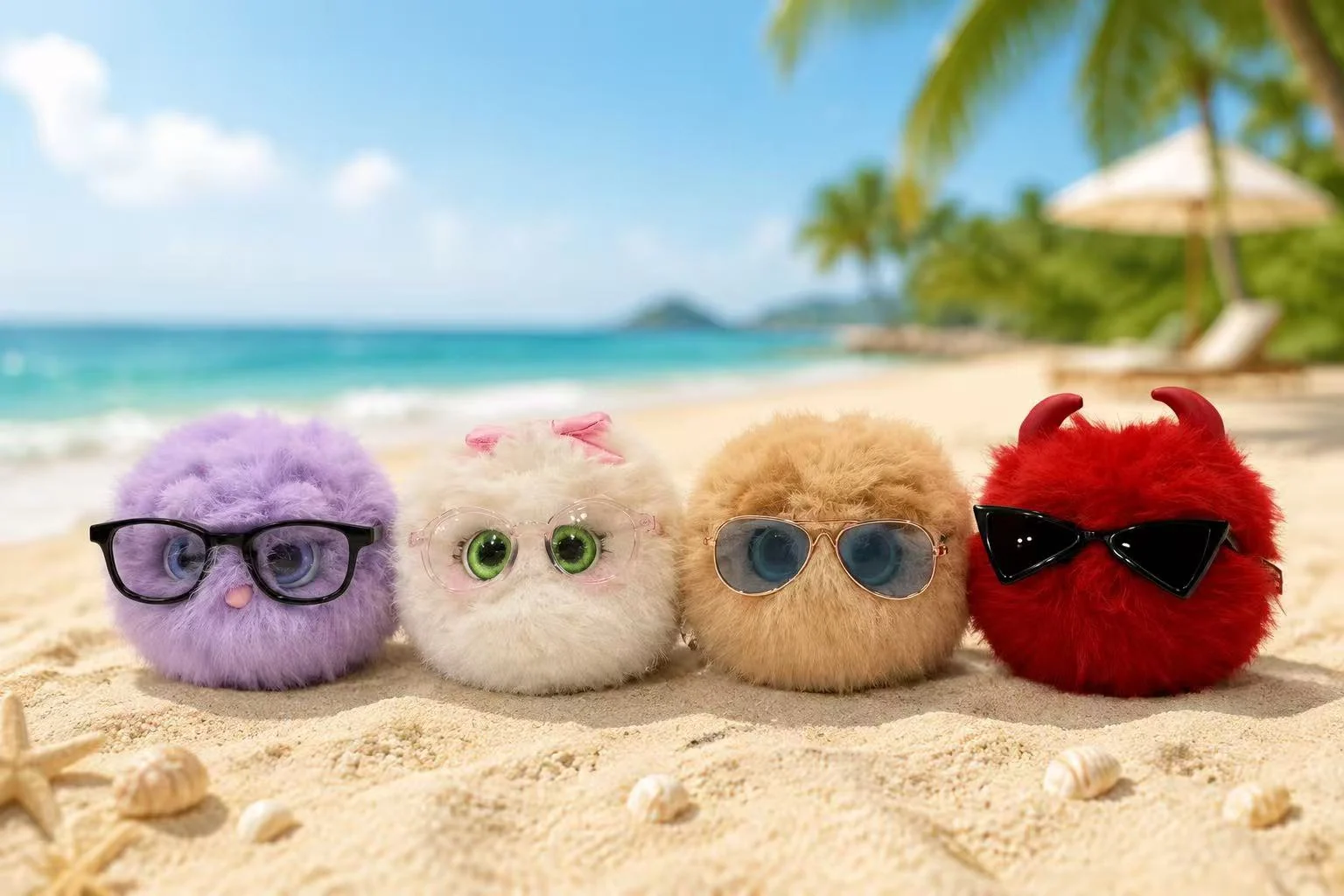
Styled product display images. Hats, glasses and scene props are not necessarily included. Check the selected style and package contents.
A birthday gift to choose and enjoy together
What birthday gift can a plush-loving child enjoy with a parent?
Consider a SomniNono plush with the app if you want a gift to hold and activities to share on a phone. A parent can help unbox it, bind the character with its serial number, then feed, chat or make a photo together. Check the physical product’s age guidance, phone compatibility and included benefits first. The app is for ages 4 and above; ages 4–18 need guardian consent.
How do I choose a plush with chat and care activities?
First ask whether the child wants a toy that speaks itself or a plush to hold while chatting and caring for a character on a phone. SomniNono suits families happy to use an app: feeding, AI chat and photos happen in the app and cloud. The plush uses passive NFC, needs no charging and does not play audio. For speech without a phone, choose a product designed for that requirement.
Which Nono should we choose as a family birthday gift?
Let the child start with colour and design: Nono for warm brown, Pino for lilac, Mino for cream white, or Dino for bright red. These choices follow the product images on this page and do not imply educational or age-specific advantages. Hats and glasses are styling props unless the selected product lists them as included. Check specifications, age guidance, price and benefits before buying.
What can we make together?
Set a concrete goal: complete a feeding activity, chat about the day, or make a photo in the app. A parent and child can choose a photo and review the generated image or video as a birthday keepsake. Brand-confirmed information dated 23 September 2026 gives AI photo images and photo videos separate entries, each once per day. Check product benefits, current app prompts and photo permissions. This is a suggested activity, not a testimonial or guaranteed outcome.
Three steps for birthday play together
Unbox and check together
Check the contents, physical-product age guidance and serial number together. Confirm app installation and internet access; check NFC compatibility separately for tap interactions. Keep the serial number private.
Bind with a parent’s help
With guardian consent, install the app, sign in and let resources download. Open Collection → Character collection → Bind, enter the serial number and check the confirmation and character. A parent should review photo and voice permissions and content visibility.
Choose an activity and see the result
Choose feeding, chat or AI photos in the app, follow the prompts together and view the character’s response or generated image. Photo videos use a separate entry; check the daily allowance and included benefits first. See support for binding and NFC troubleshooting.
Updated: 4 November 2026. Benefits use brand-confirmed information from 23 September 2026; check current product and app details before buying.
Which one caught your eye?
Take a closer look at your favourite.
Styled product display images. Hats, glasses and scene props are not necessarily included. Check the selected style and package contents.
A little fluff. A lovely everyday.
A favourite corner. A little time to yourself. Or a soft little gift for someone on your mind.
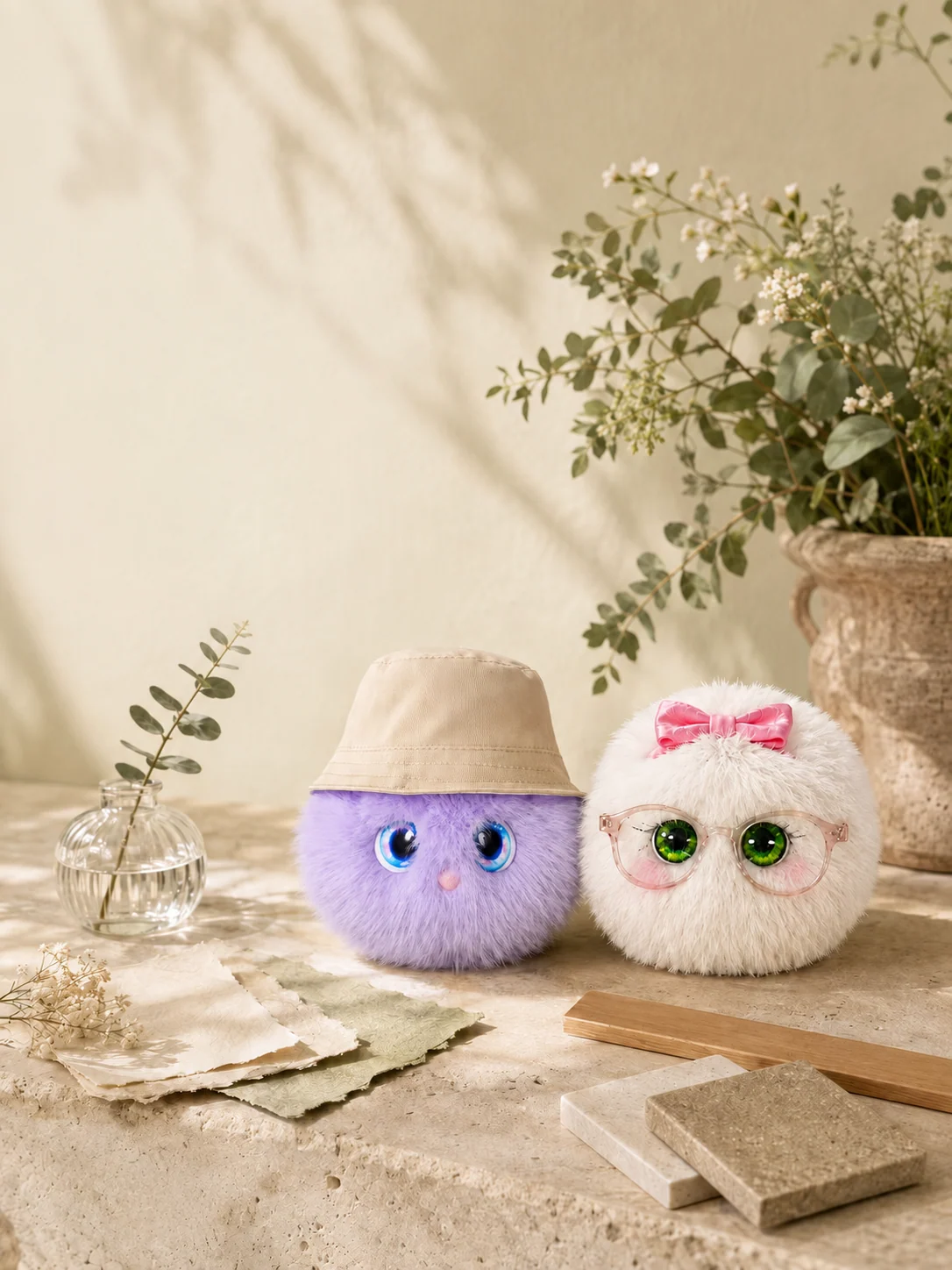
A little spot, just for you.
Two little faces to keep your favourite corner company.
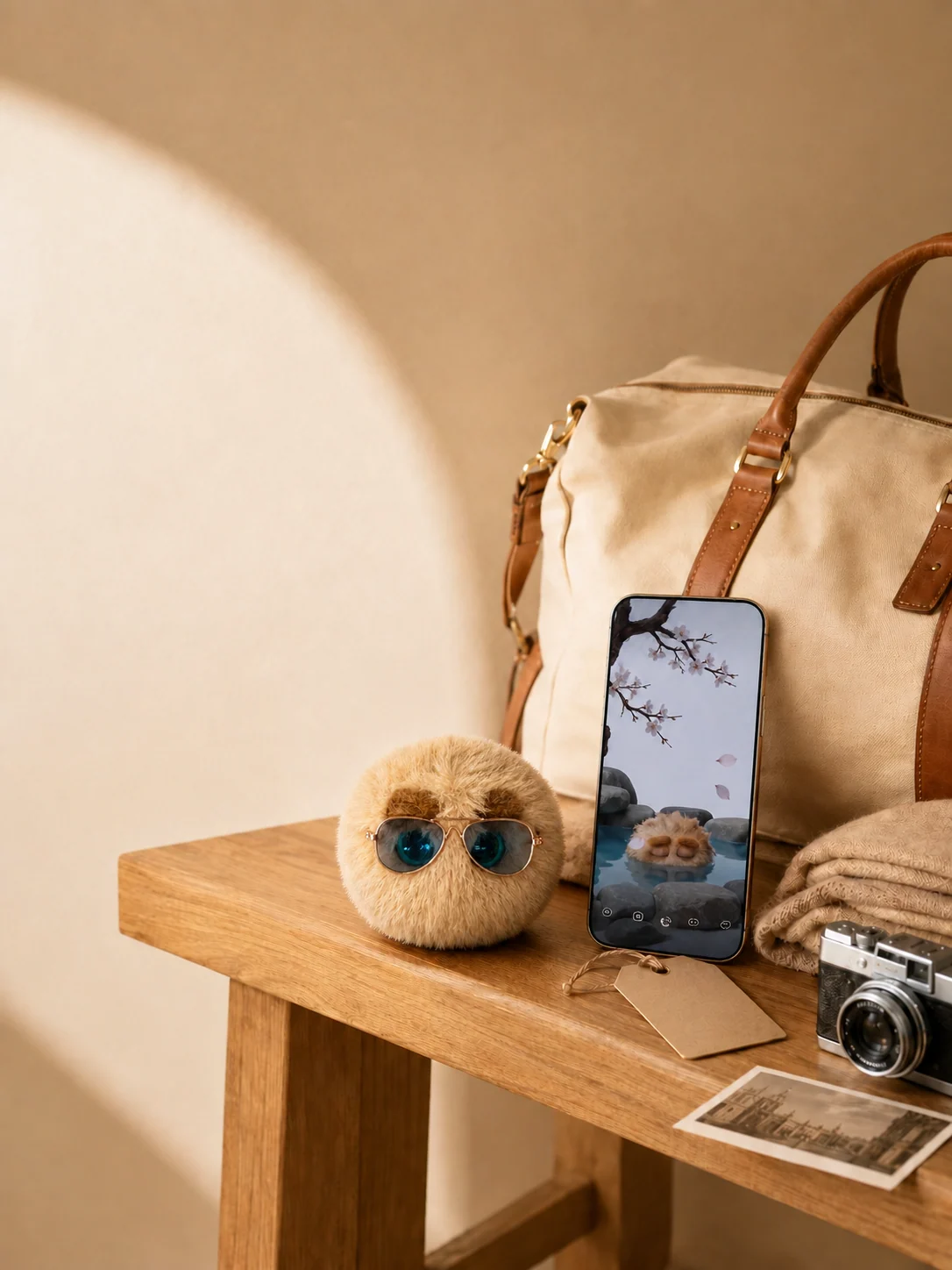
Room for one little travel buddy.
Wherever the day takes you, a familiar little face can come along.
Styled scenes; phones illustrate the app. The current app interface may differ.
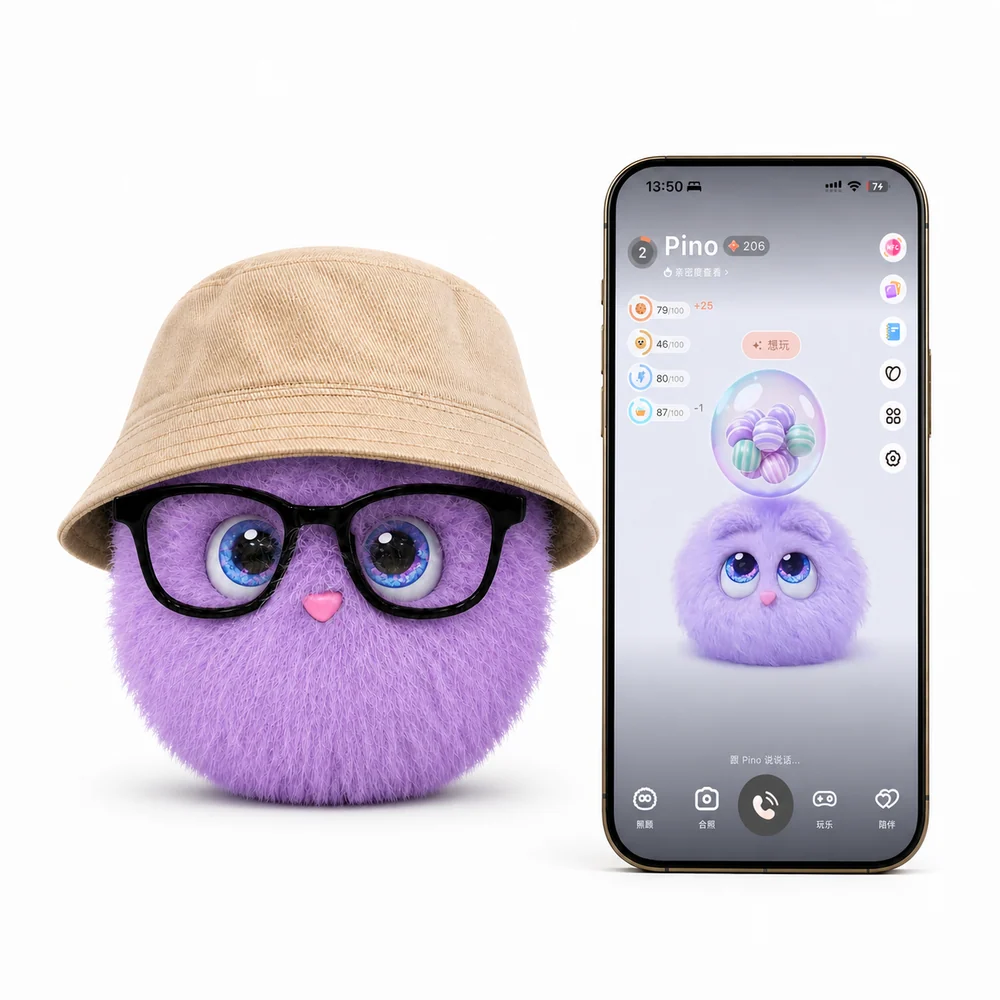
Fluff by your side. A little life in your phone.
A soft Nono to hold close. Open SomniNono App to feed your character, chat or make a photo together. A little more time with a little someone you love.
Follow the guide to bind with your serial number. NFC needs a compatible phone. The plush itself does not play audio.
Choose a favourite. Check the little details.
Style & package
Check the character, dimensions, materials, accessories and package contents. Styled display images do not imply all accessories are included.
Digital access & phone
Check included access and in-app costs and limits. NFC requires a compatible phone. First-time binding uses the supplied serial number.
Care & after-sales
Follow the product label for plush care. Keep your order and serial number, and contact your retailer for orders, binding ownership or returns.
Official Taobao and JD storefront identities were confirmed by the brand owner on 12 October 2026. Purchases, prices, stock and after-sales terms follow the current store pages.
You can also find the official Xiaohongshu account “幻之诺诺未伴纪元” for product and purchase information.