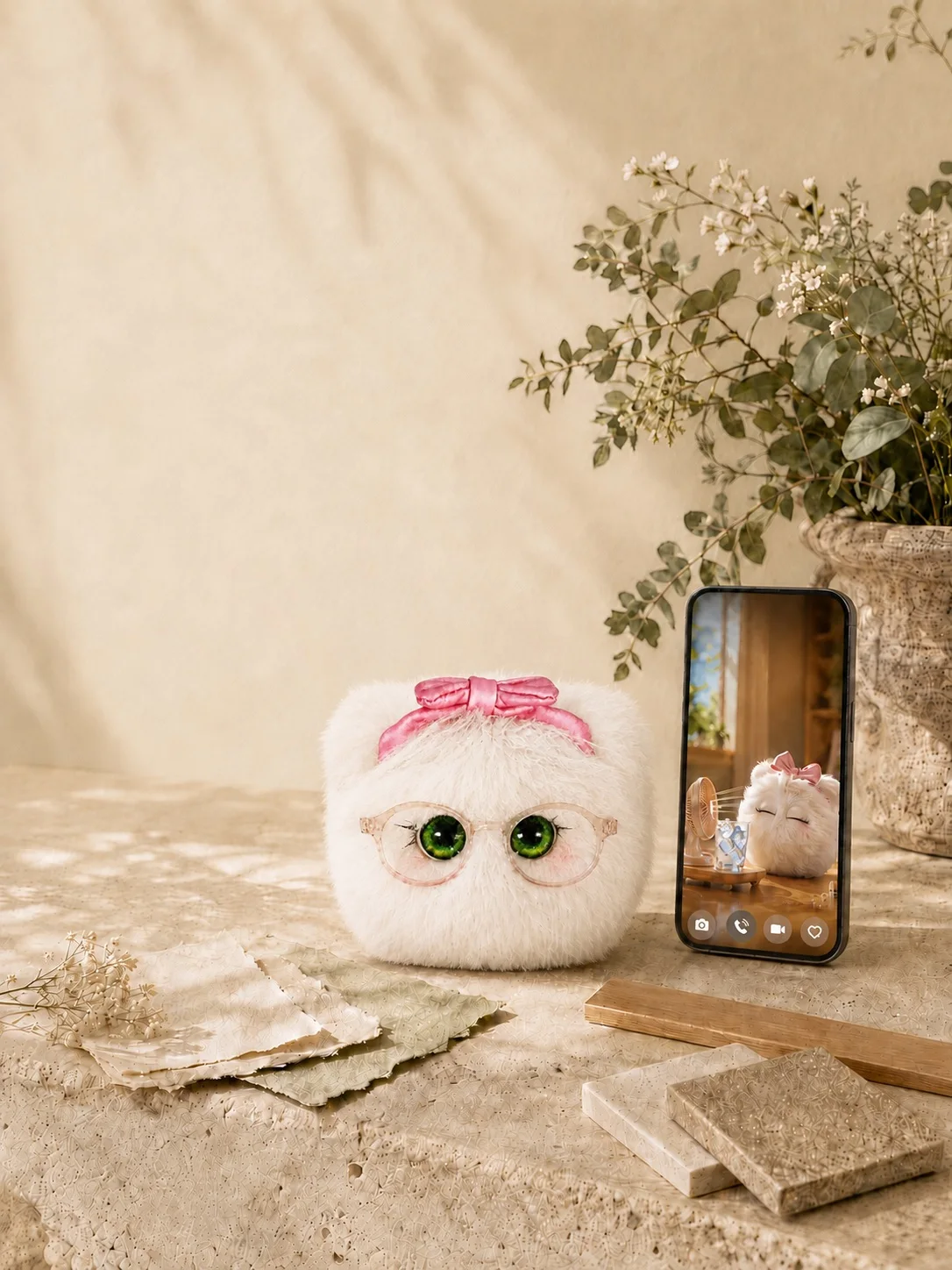
Install and sign in
Choose the version for your phone from the app page or official installation entry. Read the terms and privacy information, sign in to your usual account and follow the character introduction. A network connection is needed to download character resources.
Keep your serial number safe
Find the identity or serial-number card supplied with your plush. Open Collection → Character collection → Bind from the home screen, enter the serial number and wait for confirmation. Seeing a character card does not itself confirm plush binding. Never post the serial number publicly.
Wait for the NFC prompt, then tap
Sign in to the bound account and open NFC scanning from the phone icon on the home screen. Keep the phone unlocked and hold its NFC area near the position marked in the plush instructions. Enable NFC on Android if needed. Reposition and remove thick cases or metal accessories if scanning fails.
Choose your first little moment
Start by feeding Nono, hearing a reply or trying a photo together. Check costs, limits and permissions on each screen. For binding ownership or order issues, use the private support channel of the store where you purchased the plush.