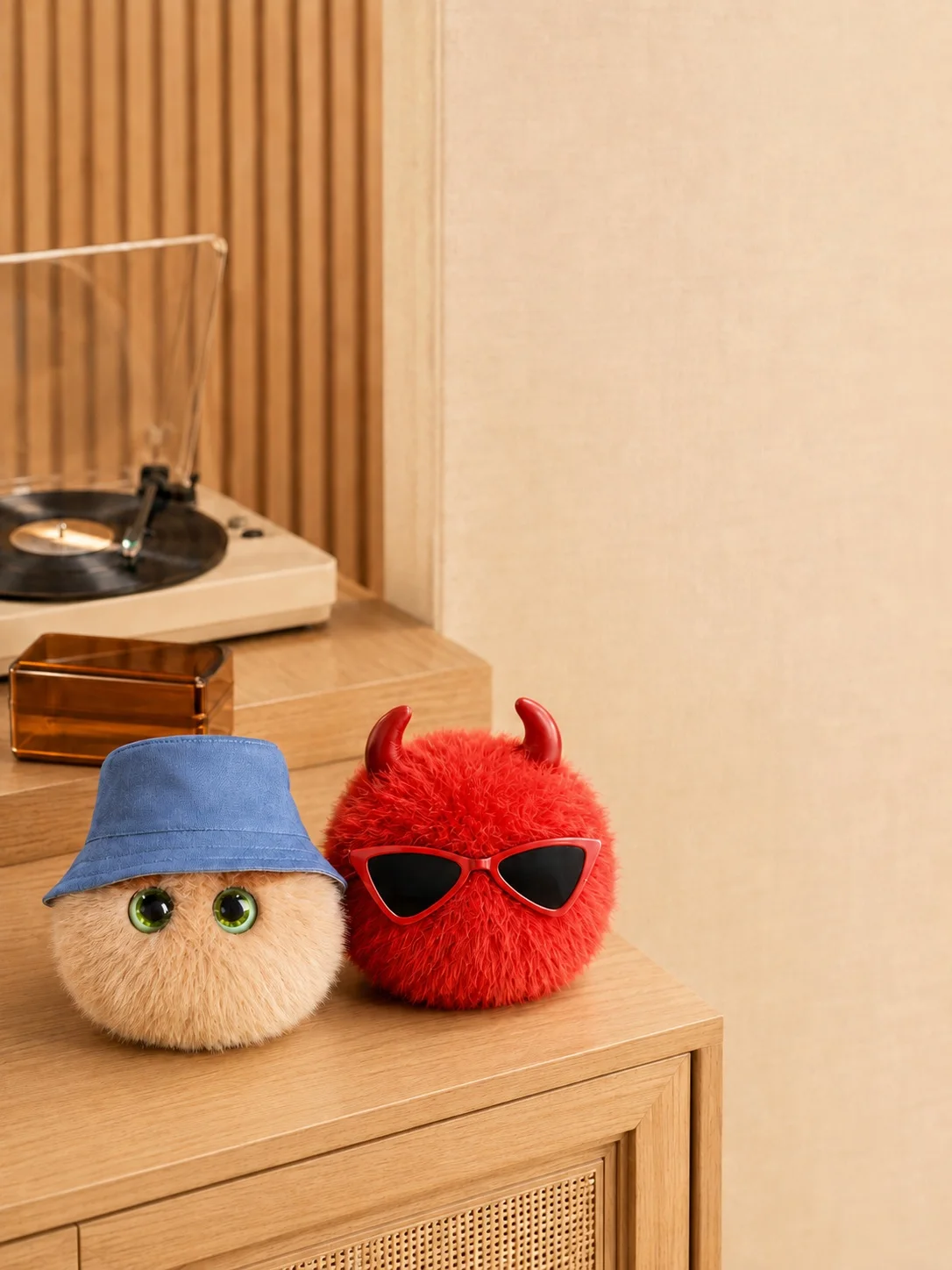
First, a plush you want beside you
Start with the character’s look, colour and texture. Tino, Pino, Mino and Dino each have a different appearance and personality. Keep one near your desk, bring it along or give it to someone who loves character goods. Check the selected style for dimensions, accessories and packaging.
Keep getting to know it in your phone
SomniNono App brings together care, AI chat, AI photos, activities and the Nono tree. The on-screen character reacts when you feed or interact with it. Mood recording has its own entry point. Calls and generated content do not take place inside the physical plush.
NFC connects; the serial number binds
Nono uses passive NFC, so the plush does not need charging. First bind it with the supplied serial number. After binding, scan it with a compatible phone when prompted in the app. NFC recognition, account binding and benefit activation are distinct steps; a tap does not complete every setup task.
A few things to check before buying
Check phone compatibility, the digital access included with your chosen product, and in-app costs and limits. Accessories shown in styled photographs are not necessarily included. Then choose the Nono you genuinely like.